
Tenders and procurement
Bidding in a tender? Get a price for your lot
Send the procurement number or a list of items — we will match Defender models to the technical specification, calculate the lot and send a special offer with documents.
- 1Send the procurement
Its number or link and the items from the technical specification.
- 2We match the models
Defender models for the specification — with quantities and the total.
- 3Get the offer
A manager will send a price for bidding, a quote and documents.
Calculate a lot
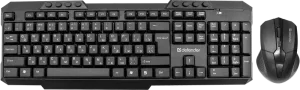
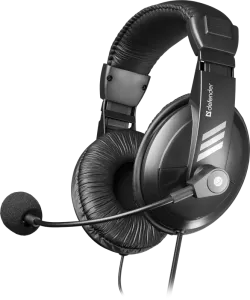
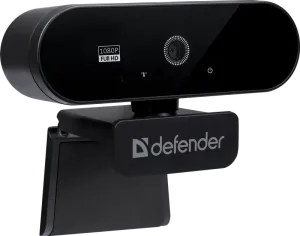
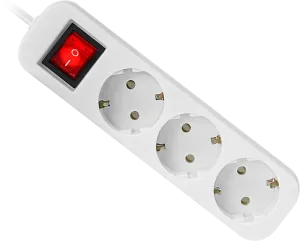
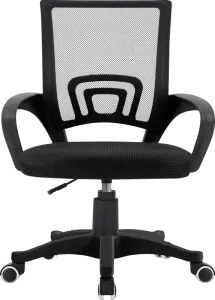
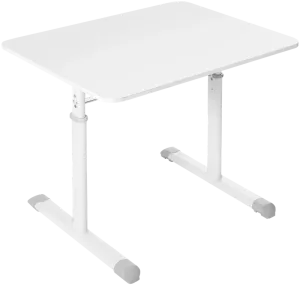
Typical procurement sets: a workplace, a classroom, a call center. Set the quantity — the total updates; any model can be swapped to fit the specification.
Documents for a tender
For every model — on its page.
With models, quantities and the total — a manager will send it.
The warranty period is listed for every model; service centers are in “Where to buy”.
Comparison
Compare models with the specification
Paste SKUs or names from the specification — the site builds a specification table, including box, EAN and ITF-14. You can share the link with colleagues.
A special offer for a tender
Send the procurement number or a list of items — a sales manager will match the models and send a price for bidding, a quote and documents.
- Public procurement and commercial tenders
- Models matched to the technical specification
- Certificates and declarations for every model
Dealers
Terms for stores and chains
Fill in the application — the dealer manager will contact you and explain the terms.