 1 / 11
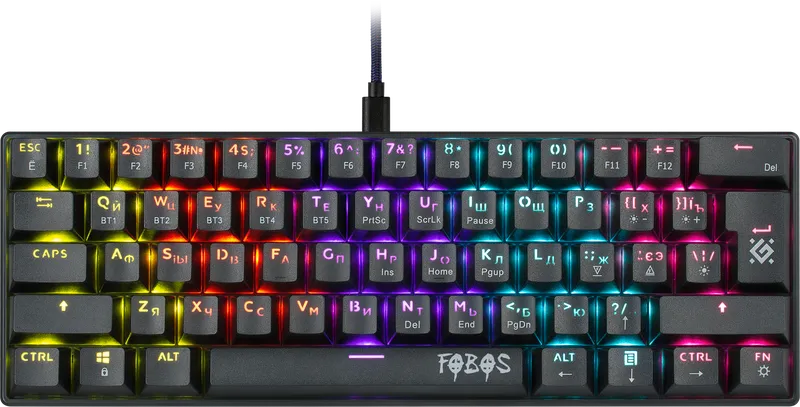
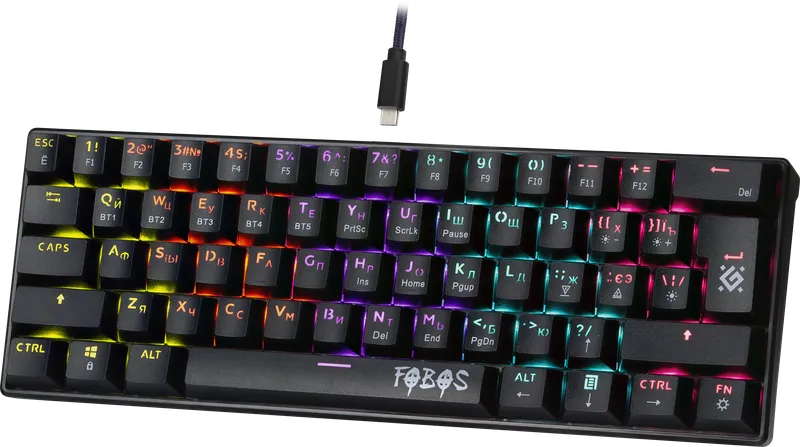
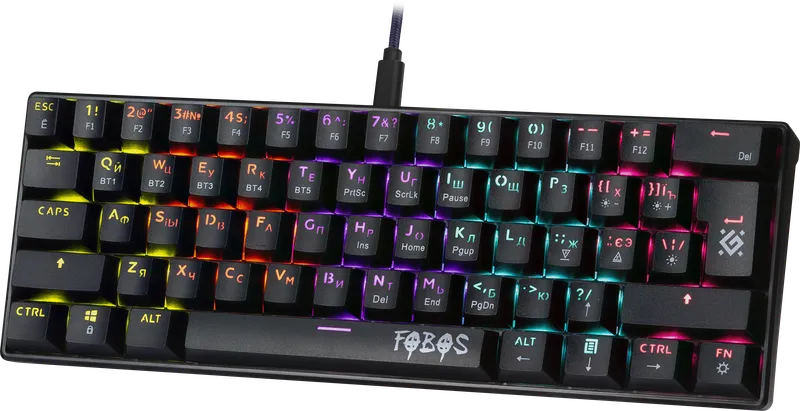
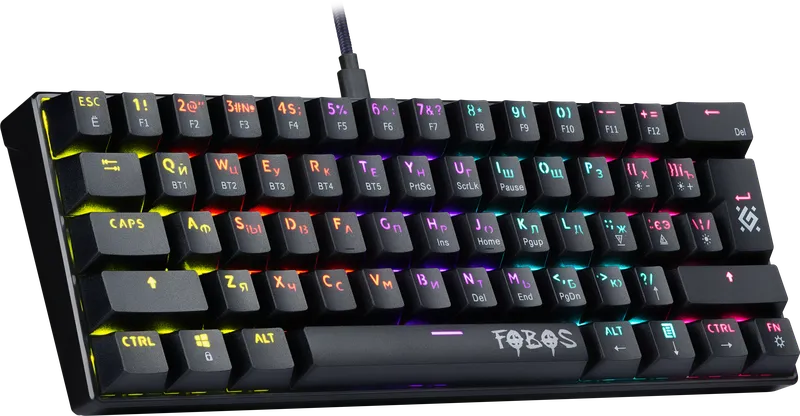
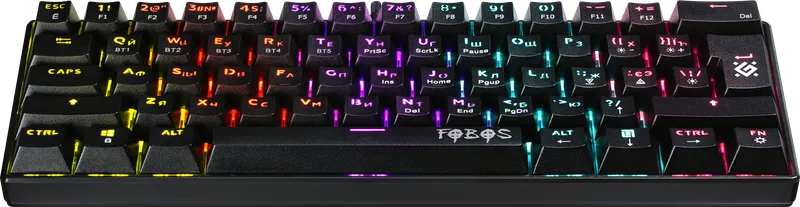
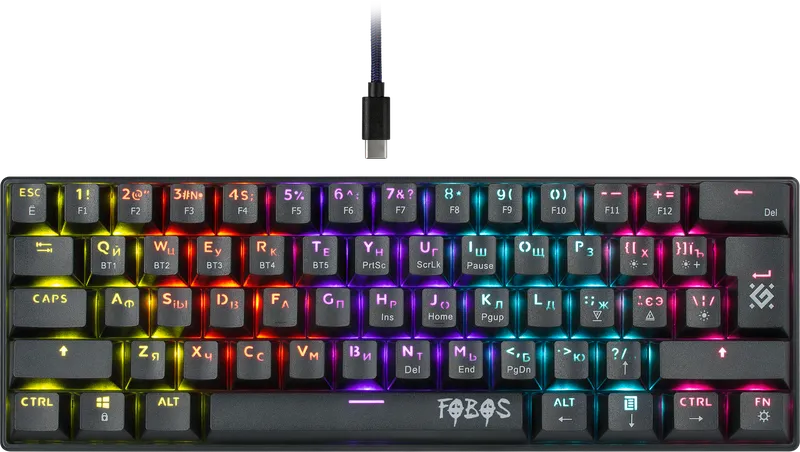
Mechanical gaming keyboard
Fobos GK-011
SKU 45011
- 2 connection modes
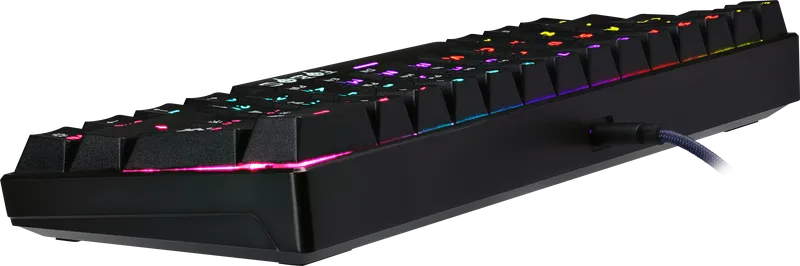
- 17 backlight modes
- Bluetooth connection for up to 5 devices
This model is no longer available for purchase — manuals and files stay here.
Similar modelsBefore you buy
Check two things
Connectionwired, wirelessCheck that your device has this port or Bluetooth.
Cable length1.8 ±5% mEstimate the distance to the computer or socket — the cable should lie freely.
Description
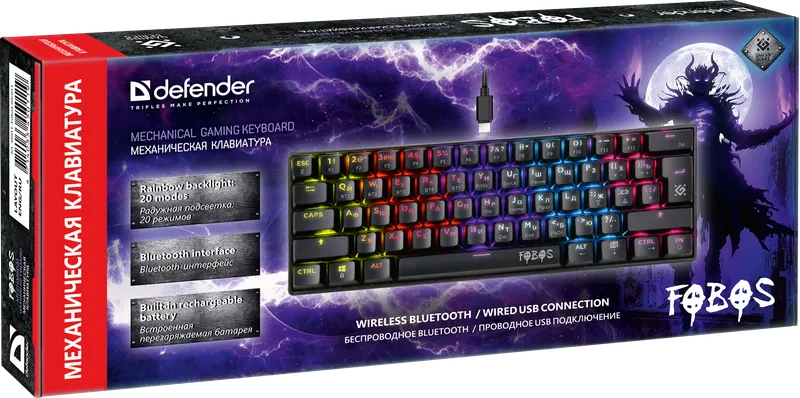
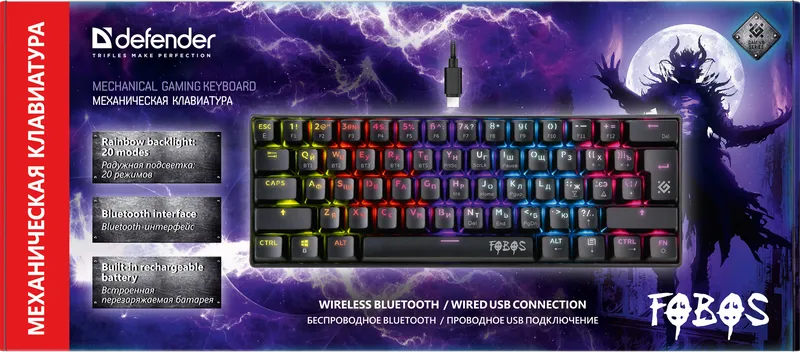
Perfect 2 in 1 solution: Bluetooth connection to PC, TV, Android phones and tablets + wired connection to PC.
- Bluetooth interface
- 2 connection modesWired connection, Bluetooth wireless mode
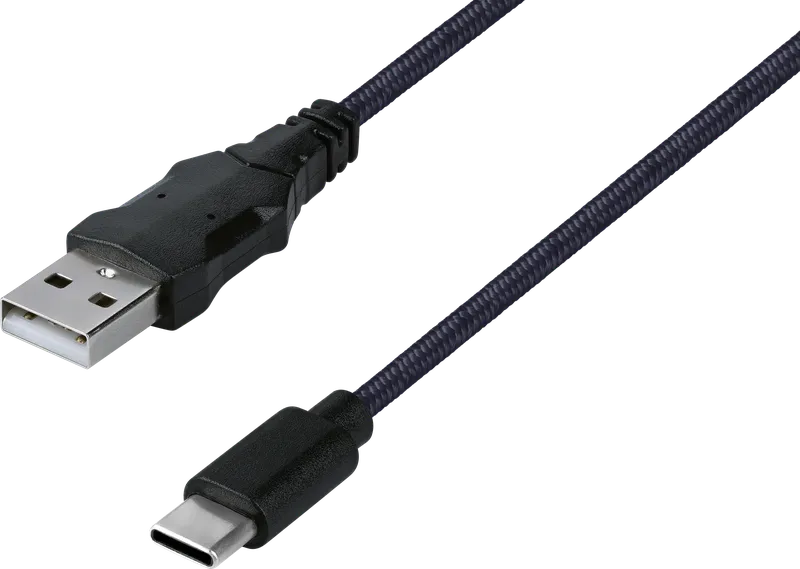
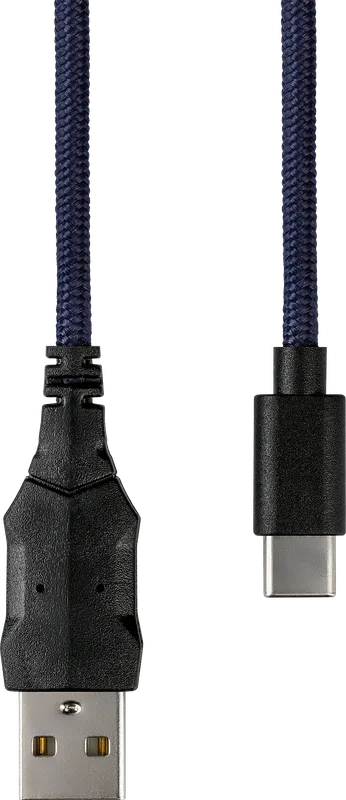
- Detachable cable with Type C connectorWired connection possible, as well as charging the built-in battery via a detachable USB cable - TYPE C
- High durability
- Compact space saving keyboard
- Locking of WIN key when playing a game
- Ultra compact size
- Anti-Ghost keysAll keys
- 17 backlight modesTo change the backlight mode, use the key combination "FN+\|/"
- Adjustable backlightChange the backlight speed with the key combination FN + ’” and FN + ;:
- Adjustable brightness of the backlightUse the key combination "FN + ]}" to increase the brightness and the combination "FN + [{" to reduce the brightness of the backlight
- Option to turn the backlight off
- Double injection technologySymbols will not be weared down as the keys are molded of two plastic colours: black for the key body and white / transparent for the symbols
- Built-in rechargeable battery1450 mAh
- Nature friendly product. No need to use alkaline batteries any more!
- Woven cable structure
- Bluetooth connection for up to 5 devicesPress and hold FN + Q for 3 seconds (for 1st device); FN + W (for 2nd device); FN + E (for 3rd device); FN + R (for 4th device); FN + T (for 5th device), then find "Fobos GK-011" in the list of available devices to connect. Once connected, use a quick press of the same keyboard shortcuts to switch between devices
- Low battery indicator is located on FN key - when the charge level is low, the indicator blinks red
- Switching the language of the external keyboard using Android: Once the keyboard is connected, go to the settings of your Android device and find the "Language and input" section, then select "Physical keyboard," and within it, select "Keyboard layout selection." Note that if the keyboard is disconnected, it will not appear in the settings
- To reset to default settings, including swapping the functionality of the Alt and Win buttons, use the key combination FN+ESC or hold the combination FN+Space for three seconds
Specifications
Specifications
- Product type
- gaming
- Keyboard type
- Mechanical
- Connection type
- wired, wireless
- Connection interface
- Bluetooth, USB
- Operation range
- 0–10 m
- Number of keys
- 61 pcs
- Number of hot keys (functions)
- 12 (+FN)
- Backlight type
- RGB
- Main layout color
- white
- Number of clicks
- 10 million
- Color
- black
- System requirements for PC
- Windows 2000/XP/Vista/7/8/10 and higher, Mac OS X10
- Cable length
- 1.8 ±5% m
- Battery capacity
- 1450 mA·h
Logistics
- Warranty period
- 6 months
- Product size (without package)
- 11 × 3.9 × 30 cm
- Net weight
- 440 g
- Individual package size
- 13 × 4.2 × 30.5 cm
- Box individual volume
- 0.002 m³
- Individual package weight
- 560 g
- Box size
- 31.8 × 28.3 × 46 cm
- Box volume
- 0.041 m³
- Box weight
- 11.65 kg
- Quantity in box
- 20 pcs
- ROHS / CE
- no
- ITF-14
- 14714033450116
- EAN
- 4714033450119
Documents
- PDFOperating manual for Defender Fobos GK-011 Gaming Keyboard v 1.0_09.2021832 KB
- ZIPThe software allows to program any key of the keyboard for a required task9.4 MB
- ZIPBeta-version of Defender KeyMaster9.3 MB
Certificates and declarations1 file
- SKU 45011EAN 4714033450119Request a quote →
Similar models
Compare with similar → Mechanical gaming keyboardRivalis GK-357SKU 45358Only at M.Video
- Red mechanical switches
- 17 backlight modes
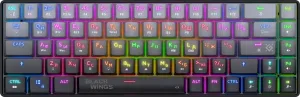 Mechanical gaming keyboardBlackWings GK-008SKU 45009Only at M.Video
- Red mechanical switches
- 3 connection modes
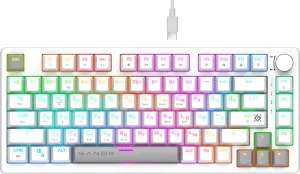 Mechanical gaming keyboardSanor GK-187SKU 45187Only at M.Video
- Red mechanical switches
- 3 connection modes
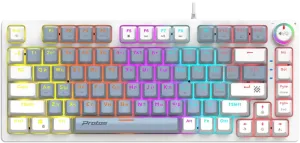 Mechanical gaming keyboardProtos GK-309SKU 45308Only at M.Video
- Red mechanical switches
- 17 backlight modes
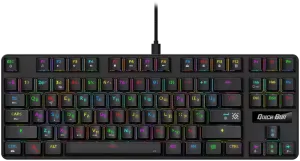 Mechanical gaming keyboardQuick Gun GK-157SKU 45157Only at M.Video
- Red mechanical switches
- 3 connection modes
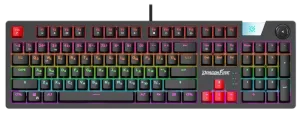 Mechanical gaming keyboardDragon Fire GK-103SKU 45103Only at M.Video
- Red mechanical switches
- Volume control
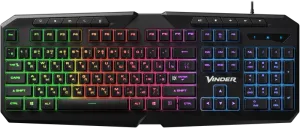 Wired gaming keyboardVinder GK-211SKU 45211Only at M.Video
- Multimedia applications controls
- Rubber feet prevent slipping along the table surface
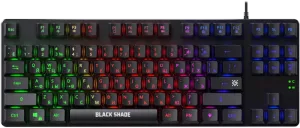 Wired gaming keyboardBlack Shade GK-006SKU 45006Only at M.Video
- Locking of WIN key when playing a game
- Switching W.A.S.D. keys to cursor mode
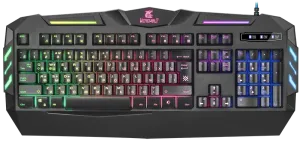 Wired gaming keyboardWerewolf GK-120DLSKU 45120Only on WB and Ozon
- Moisture-proof keyboard construction
- Metallic base makes it more durable
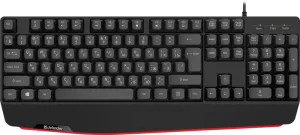 Wired keyboardAtom HB-546SKU 45546
- Multimedia applications controls
- Molded wrist rest
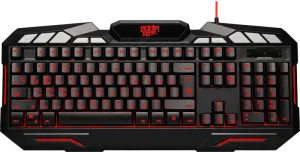 Wired gaming keyboardDoom Keeper GK-100SKU 45100
- 3-colour backlight
- Backlight of symbols and keys
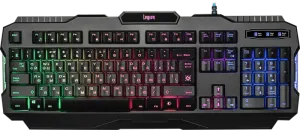 Wired gaming keyboardLegion GK-010DLSKU 45010
- Metallic base makes it more durable
- Moisture-proof keyboard construction
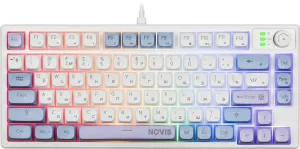 Wired gaming keyboardNovis GK-318SKU 45318
- Keycaps in three colors
- Adjustable brightness of the backlight
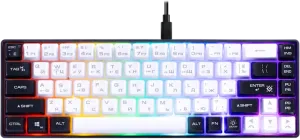 Wired gaming keyboardAris GK-349SKU 45349
- Keycaps of two colors
- Key backlight
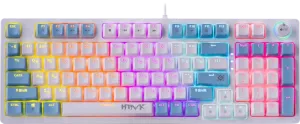 Mechanical gaming keyboardHawk GK-418SKU 45421
- Mechanical switches OUTEMU Red
- Hot Swap Technology
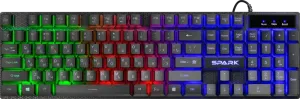 Wired gaming keyboardSpark GK-300LSKU 45300Only on WB and Ozon
- Backlight of symbols and keys
- Enlarged size of modifier keys (Ctrl, Shift), Enter and Backspace keys